
The synth.
Paul Slocum’s Cynthcart running on an emulated Commodore 64, so what you hear is the SID chip’s own oscillators, filter and envelopes.
Real C64 emulationFREE · PLAY IT IN YOUR BROWSER
Seven years in the making: a real Commodore 64 with two SID chips in true stereo, a knob panel from Look Mum No Computer, and Paul Slocum’s Cynthcart. Now you can play it right here in your browser — the full synth and all 30 presets.

THE SYNTH IN YOUR BROWSER
Three ways to play it, all at once:
WHAT YOU GET
Paul Slocum’s Cynthcart running on an emulated Commodore 64, so what you hear is the SID chip’s own oscillators, filter and envelopes.
Real C64 emulationBasses, leads and pure 8-bit noise, ready to play. Turn the knobs and make them your own.
30 presetsPop in your email and I’ll send you a personal link. Click it and the synth opens in your browser, ready to play.
Free · nothing to installTHE MACHINE BEHIND THE SYNTH
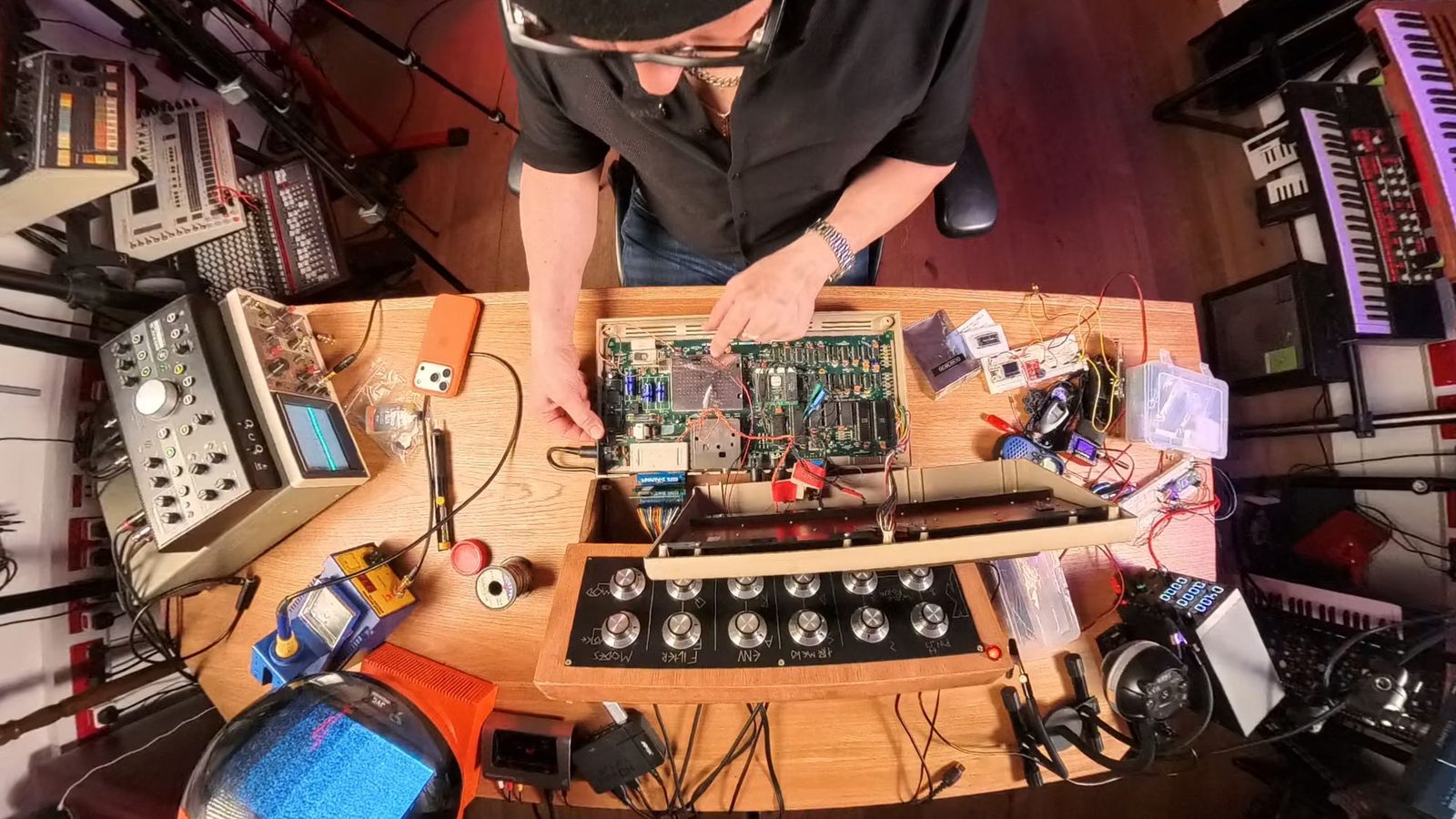
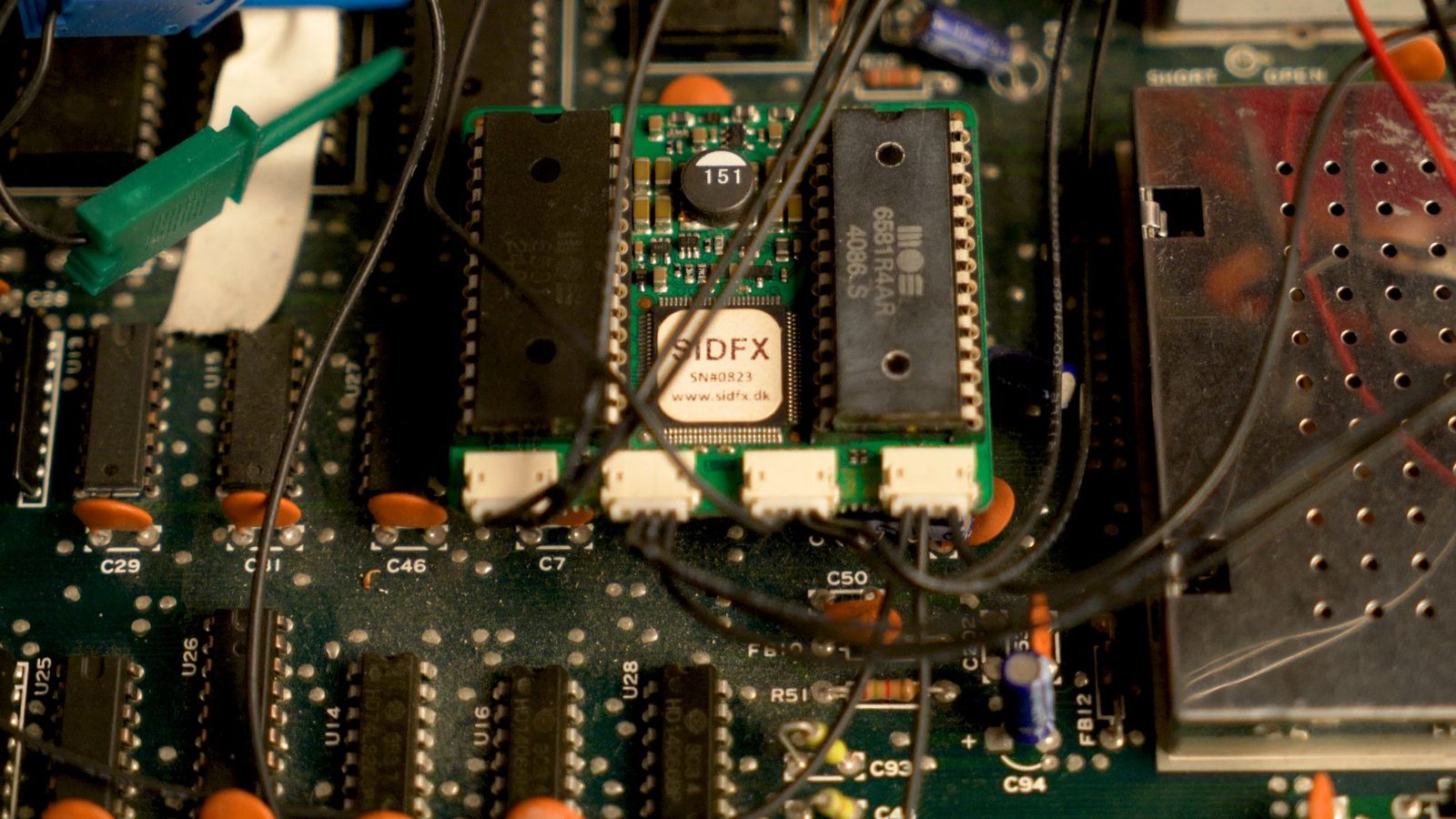
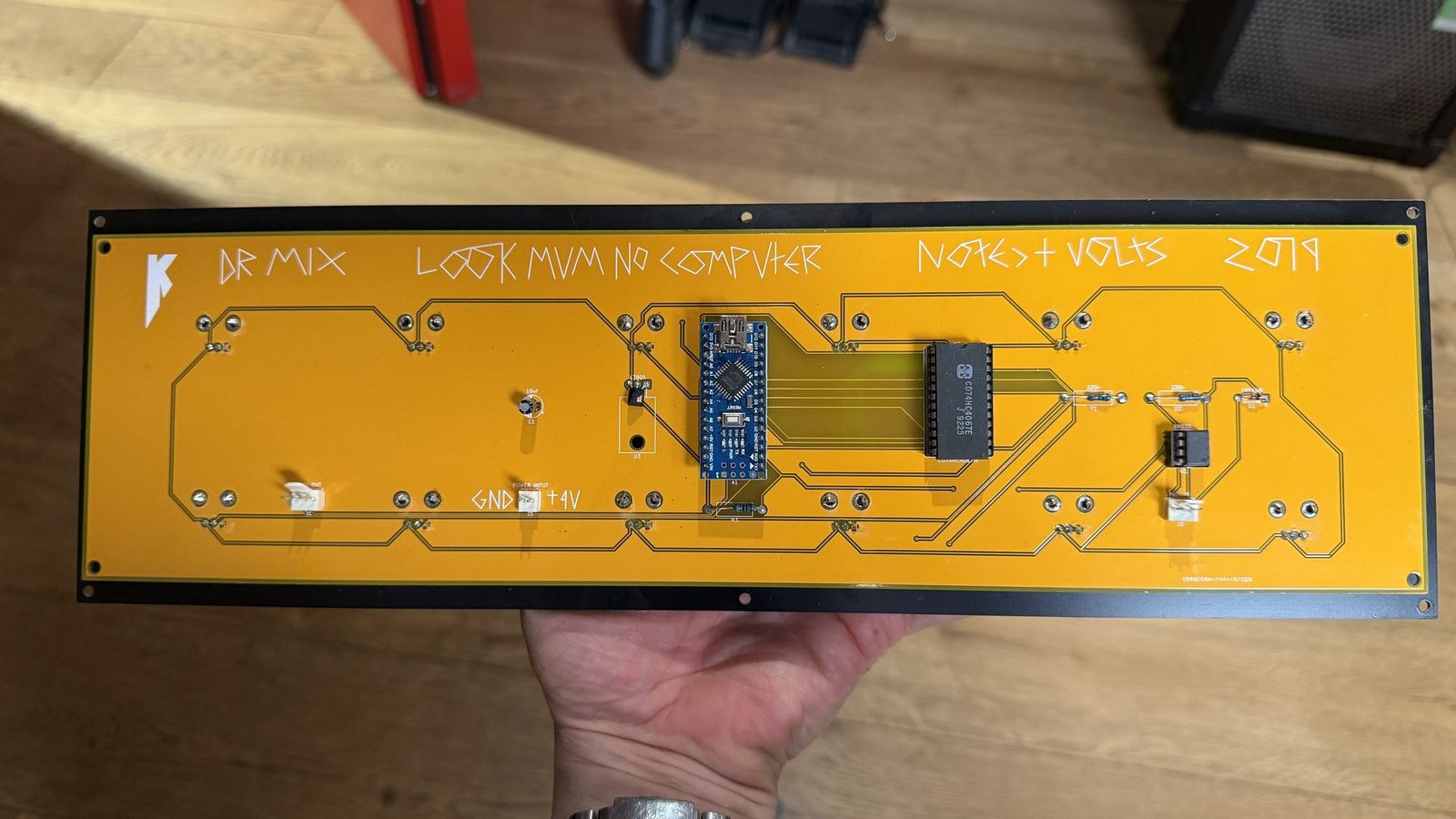
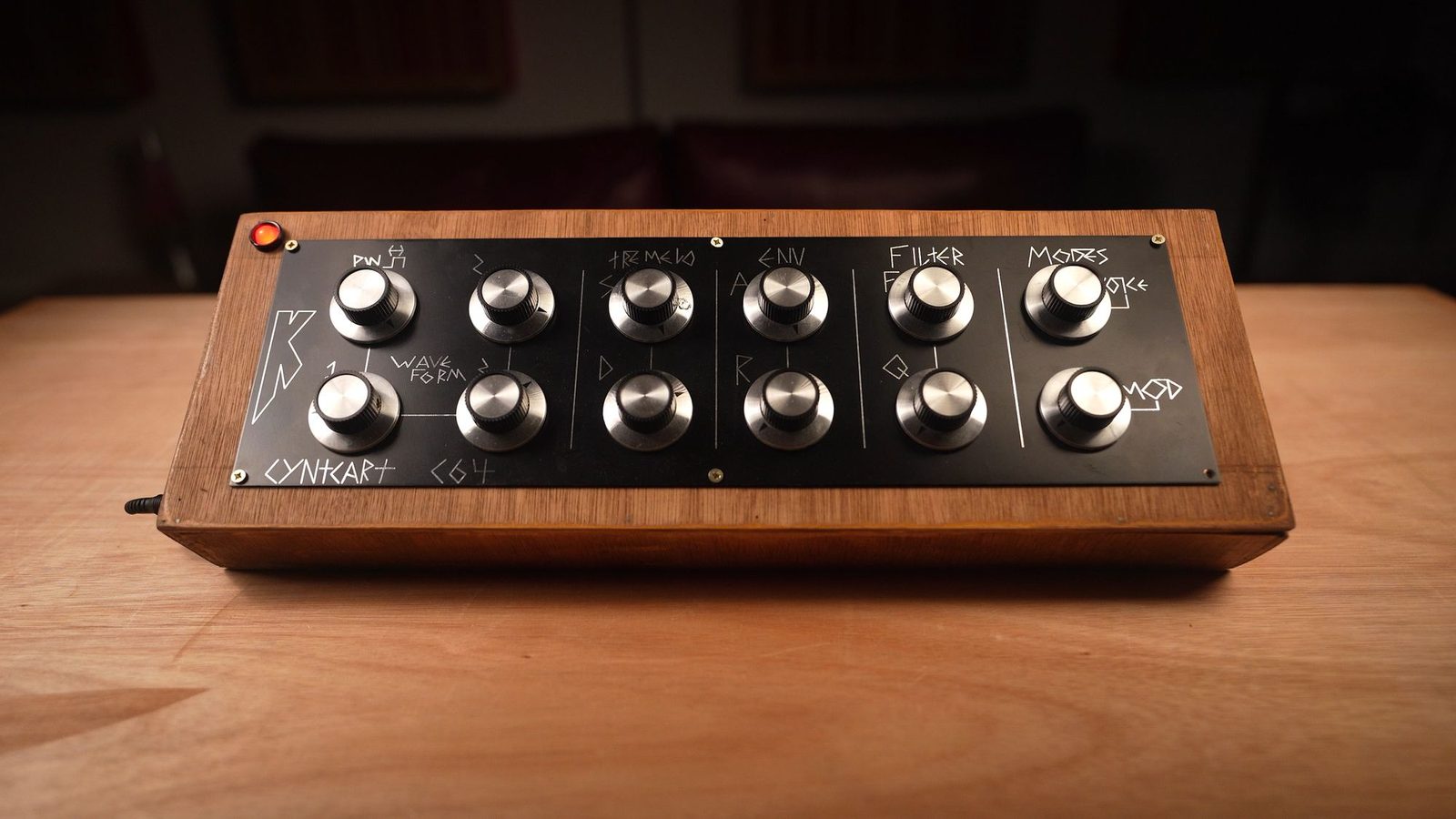
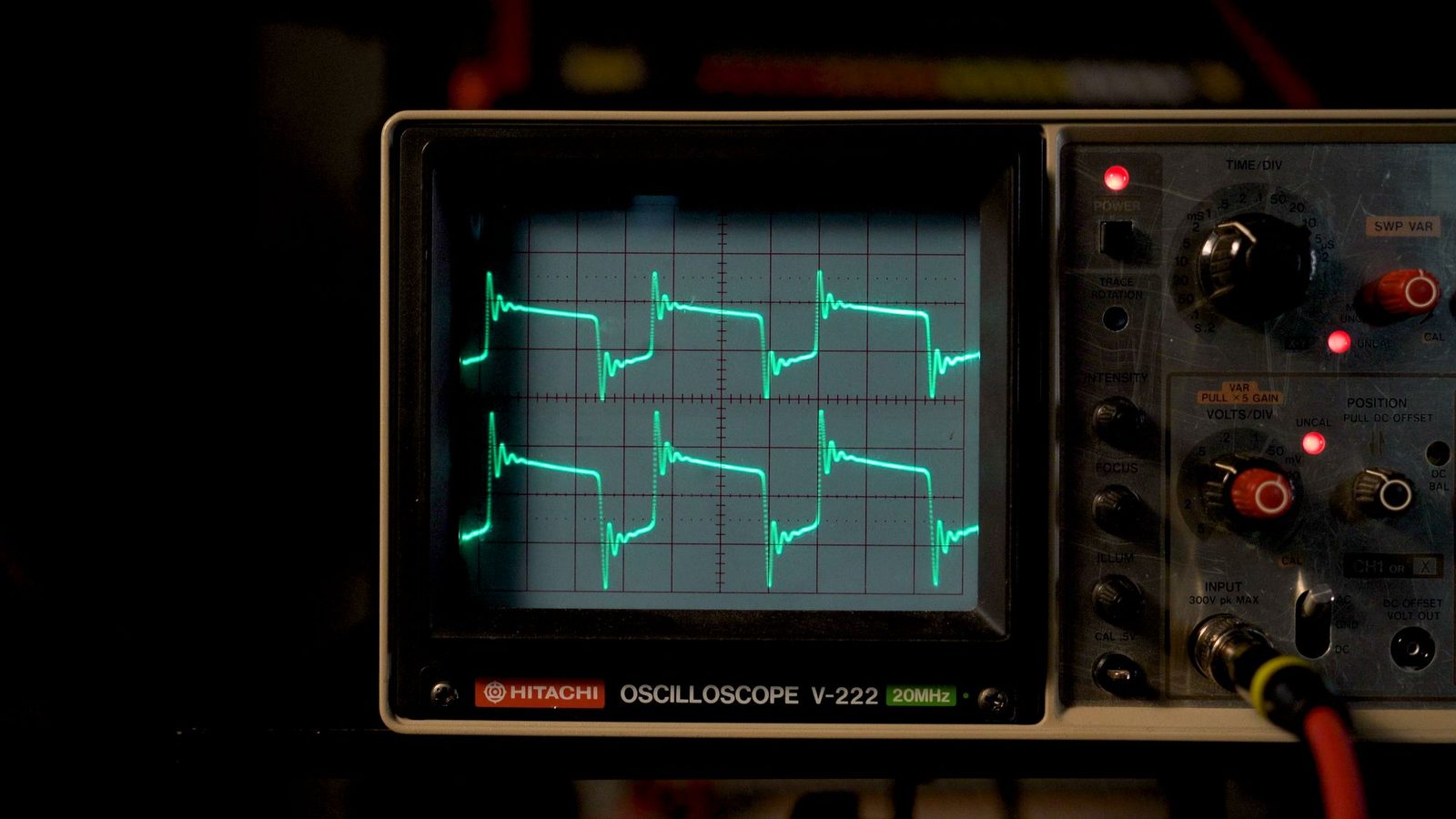
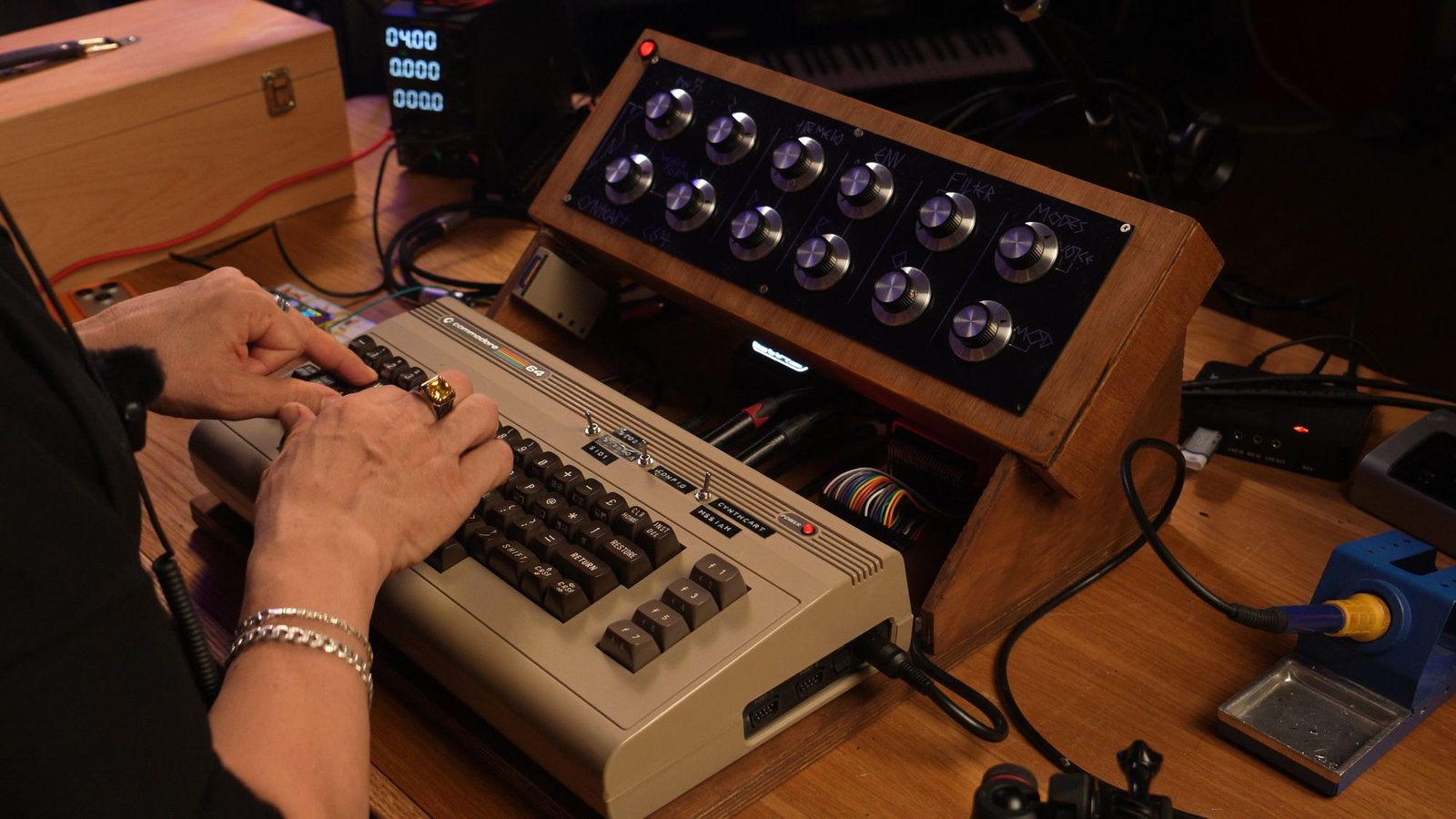
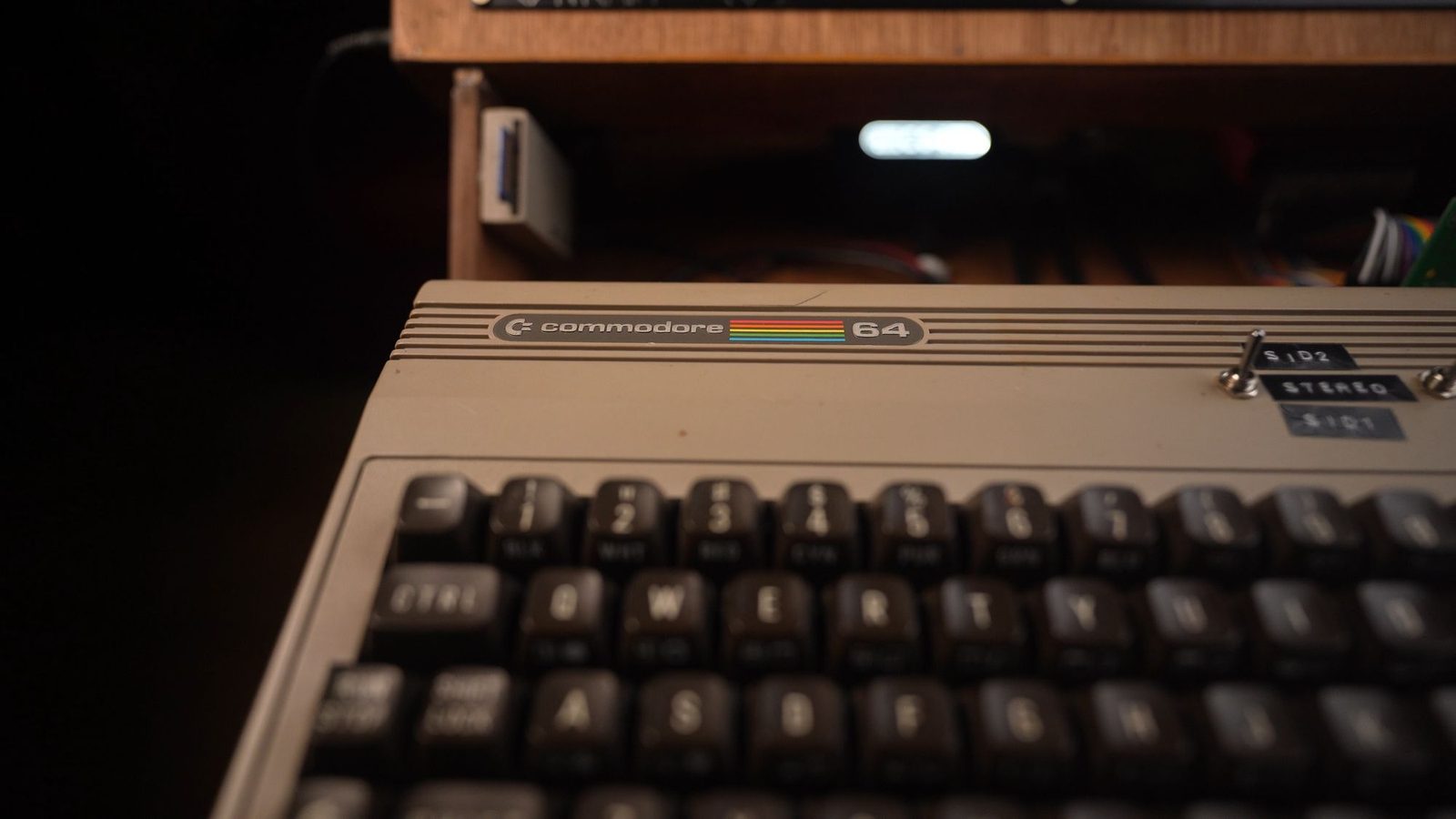
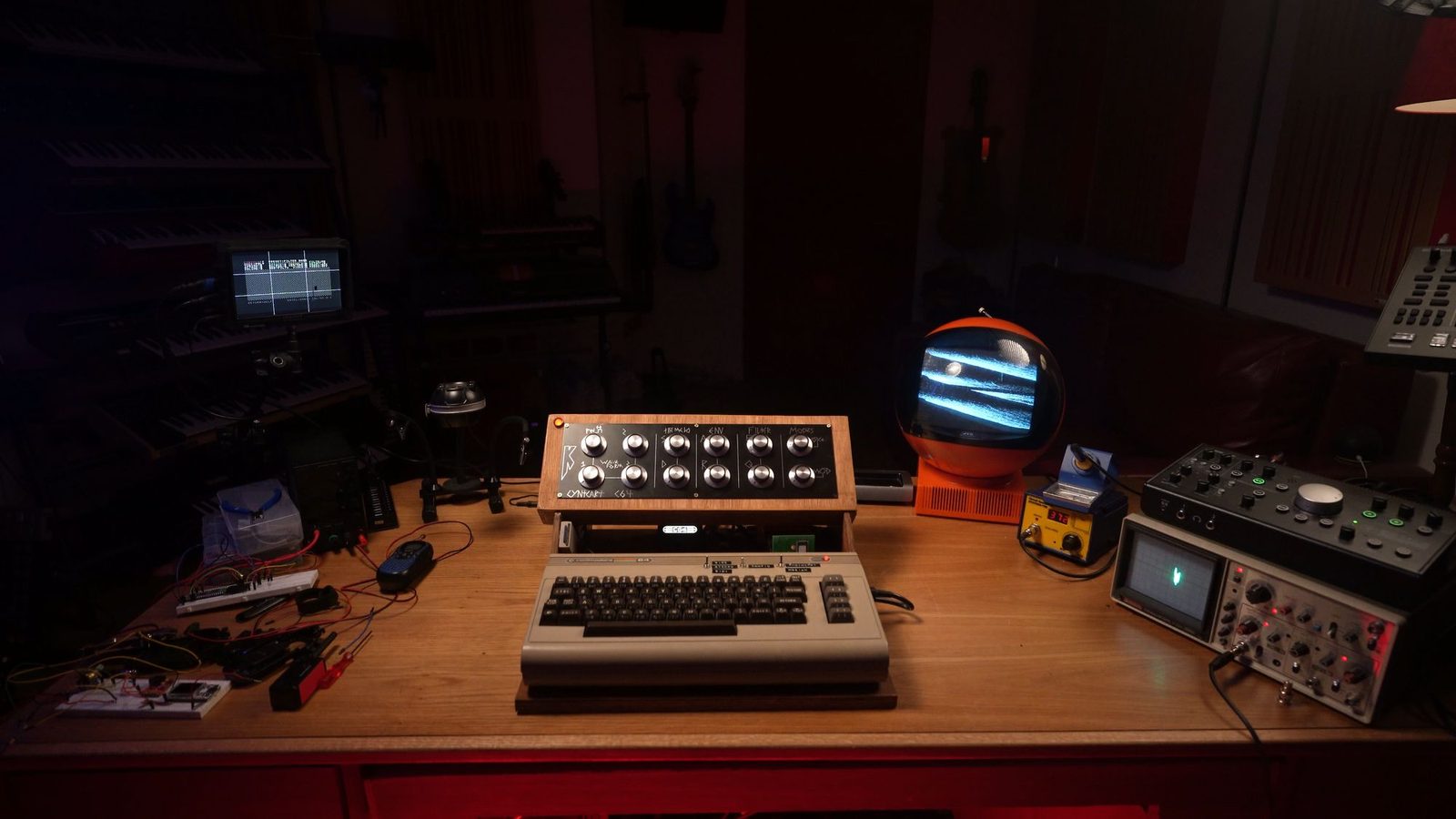
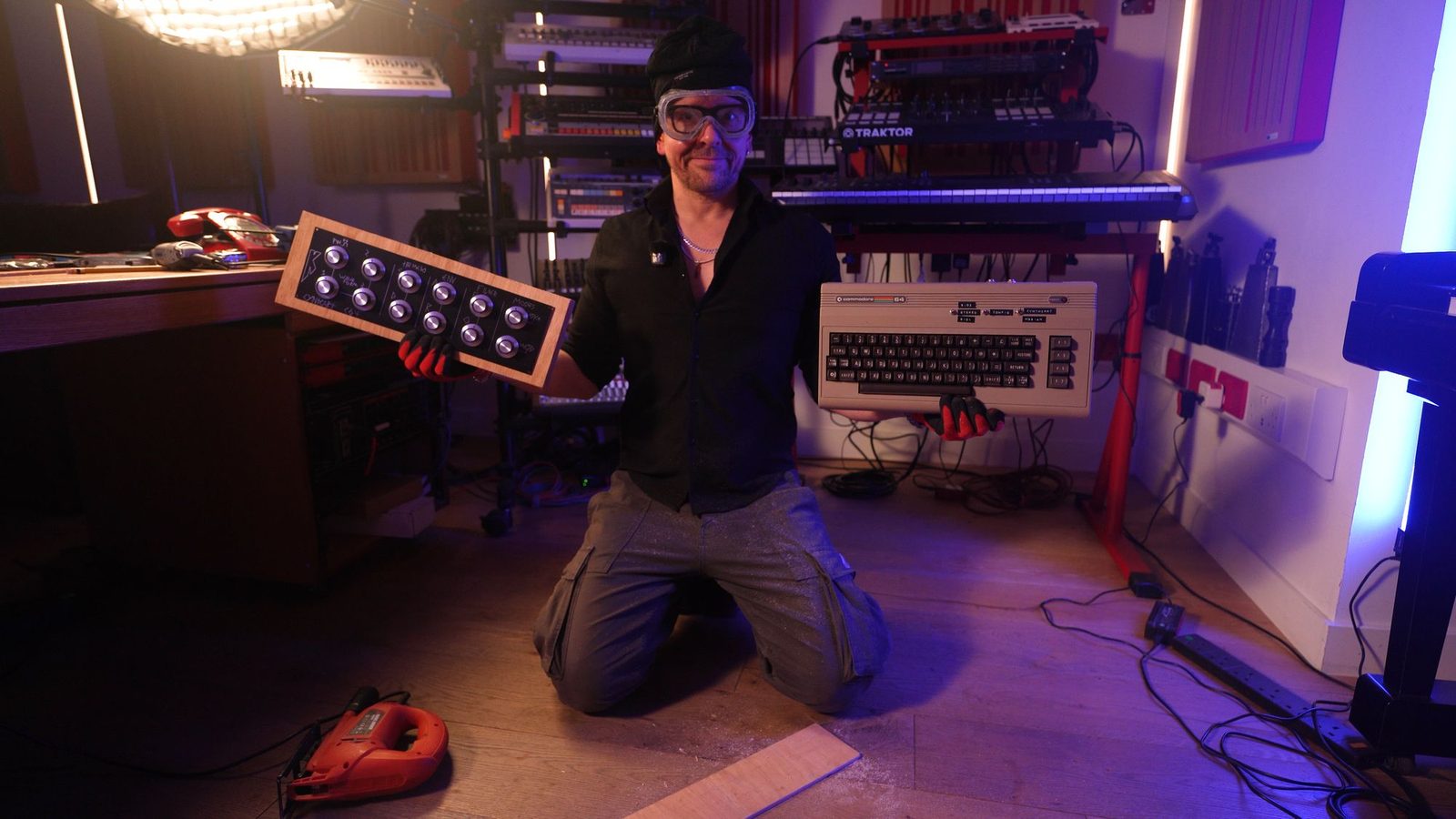
From the bare circuit board to the finished machine: the real Commodore 64 the browser version is modelled on.
WATCH THE WHOLE BUILD
The whole story, from buying a Commodore 64 again to the finished synth — with The 8-Bit Guy and Look Mum No Computer along the way.
THE FINALE
Seven years on, the synth is finished: two SID chips in true stereo, the knob panel, the case, and the first proper play.
Play it freeI buy a Commodore 64 again, test its SID chip and start building my synth.
The 8-Bit Guy helps me plan it: knobs, SID hum, screens and keyboards.
Sam helps me wire two SID chips into the C64 for six voices.
Look Mum No Computer sends me a knob panel, and I wire it up.
Sam joins me on a call, then I test a display on the synth.
The wooden case, the electronics and a first test.
WHERE YOU GO NEXT
Oscillators, filters, envelopes: the SID chip has them all, and so does every synthesizer since. Learn how they work and you can get the sound you hear in your head out of any synth.
The course is optional. The C64 synth is yours to play.
THE FULL VIDEO COURSE
43 lessons in my studio, from the first oscillator to your own preset library.
Paid course · See the lessons and current price
No. It runs in your web browser. The Commodore 64 is emulated, and the knobs and keyboard are on screen.
Drag the knobs up or down, play the keys on your computer keyboard (A to K, plus W E T Y U for the black keys, Z and X for octaves), or click the on-screen piano. Headphones or speakers recommended.
Yes. The full synth and all 30 presets, no payment details needed.
I email you a personal link that opens the synth. Your email also joins the Doctor Mix newsletter — mixing tips and the occasional offer — and you can unsubscribe in one click any time. See our Privacy Policy.
I built the hardware over seven years, with The 8-Bit Guy and Sam from Look Mum No Computer, who designed the knob panel. The synth software is Cynthcart, by Paul Slocum. The browser version is a Doctor Mix × Look Mum No Computer tribute.
SEVEN YEARS OF BUILDING. ONE CLICK TO PLAY.