
01
SEE EVERY VOICE
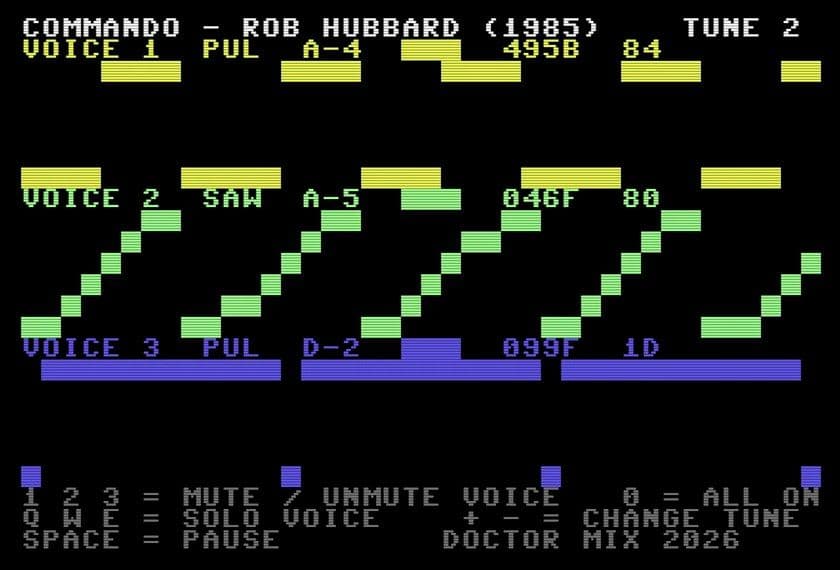
Each of the SID chip’s three voices gets its own lane: the waveform it’s using (pulse, saw, triangle or noise), the note it’s playing, and a trace that scrolls across the screen as the music plays.
FREE · FROM MY COMMODORE 64 VIDEO
The visualiser from my Commodore 64 video. Free.
When Cris and I unboxed the new Commodore 64 Ultimate, the first thing I wanted to do was pull Rob Hubbard’s Commando theme apart. This visualiser does exactly that, right in your browser. Load the tune and it gives each of the SID chip’s three voices its own lane, so you can see which waveform it’s using and which note it’s playing. Mute one, solo another, step through the tunes, and you can hear how Rob built a whole soundtrack out of three channels. It’s free.
Get the visualiserTHE VIDEO
WHAT IT DOES
Each of the SID chip’s three voices gets its own lane: the waveform it’s using (pulse, saw, triangle or noise), the note it’s playing, and a trace that scrolls across the screen as the music plays.
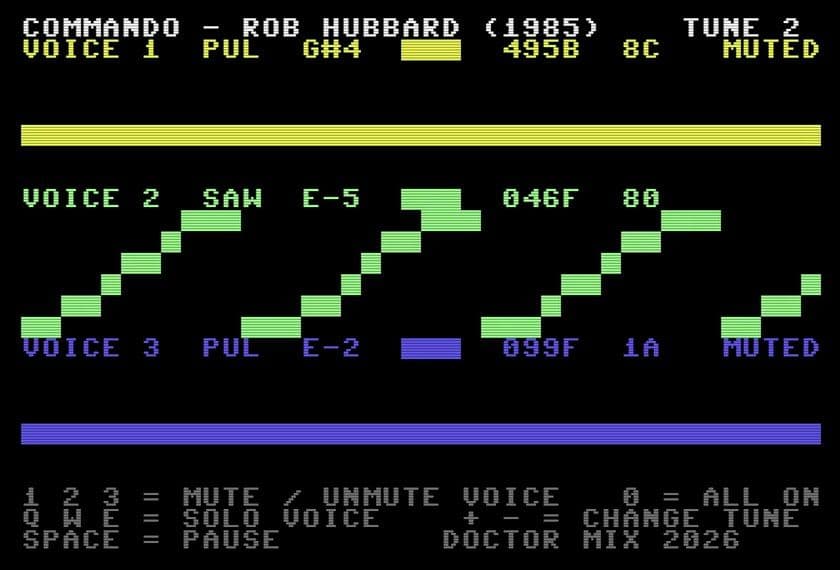
Press 1, 2 or 3 to mute a voice, or Q, W or E to solo one. Here voice 2’s sawtooth part is playing on its own, with voices 1 and 3 muted.
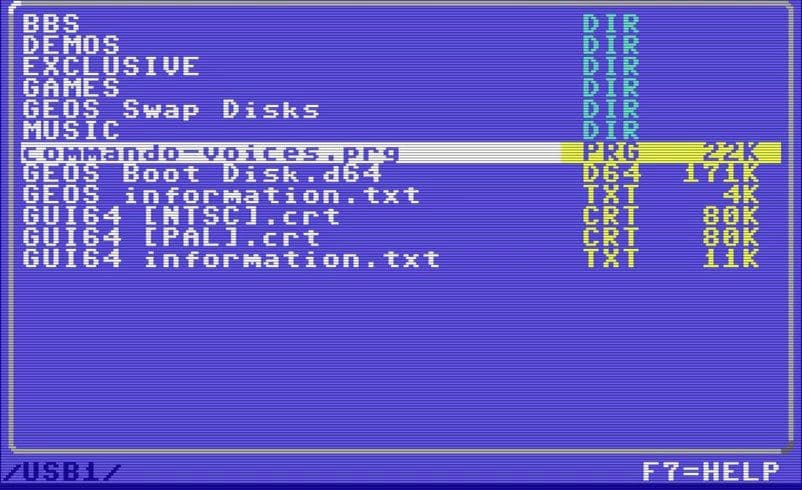
Load your own copy of Commando as a .sid file. It plays right in your browser and is never uploaded.
THE CONTROLS
HOW IT WORKS
In the video, Cris and I ran it on the new Commodore 64 Ultimate. See the Commodore 64 Ultimate →
Commando music composed by Rob Hubbard (1985). Doctor Mix doesn’t host or distribute the music: you load your own copy. The visualiser is a Doctor Mix project, not an official Commodore product.